🗺️
Every business on the map
Bing Maps plus free open map data (Overture, OpenStreetMap) in one search. Similar businesses are included automatically.
Free Chrome extension · no account
Type a kind of business and a city. LeadAtlas finds every business on the map, reads the email from each one's own website, and hands you a clean list – ready for Excel, Instantly, lemlist or Gmail.
Try it
Pick a business type and a city. This demo uses made-up sample businesses – the real extension finds real ones on the map.
Press Start finding leads to watch the results arrive.
Features
Bing Maps plus free open map data (Overture, OpenStreetMap) in one search. Similar businesses are included automatically.
LeadAtlas reads each business's website – home, contact and about pages – instead of guessing addresses.
Every email gets a badge: Domain checked, Check first or Don't send, with the reason on hover.
Founders, owners and CEOs named on the website, with a one-click LinkedIn search for each.
A green, amber or red dot for every business. "Check before sending" re-checks a list before your campaign.
Excel or CSV with the columns you pick, files for Instantly, lemlist and Gmail mail merge, or straight to Google Sheets.
Inside the extension
How it works
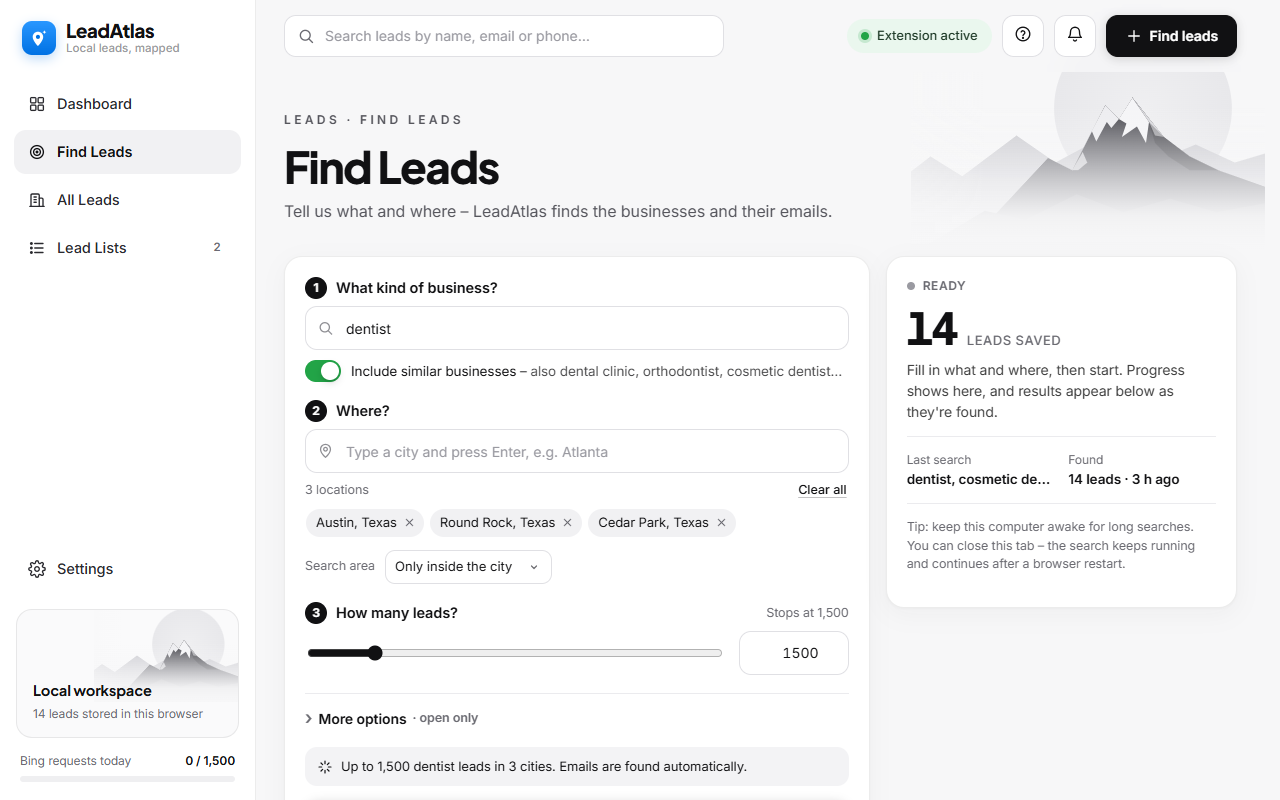
"Dentist" in "Austin, Texas" – add nearby towns in one click, or several cities at once.
Businesses arrive as they're found, and their emails are read from their websites at the same time.
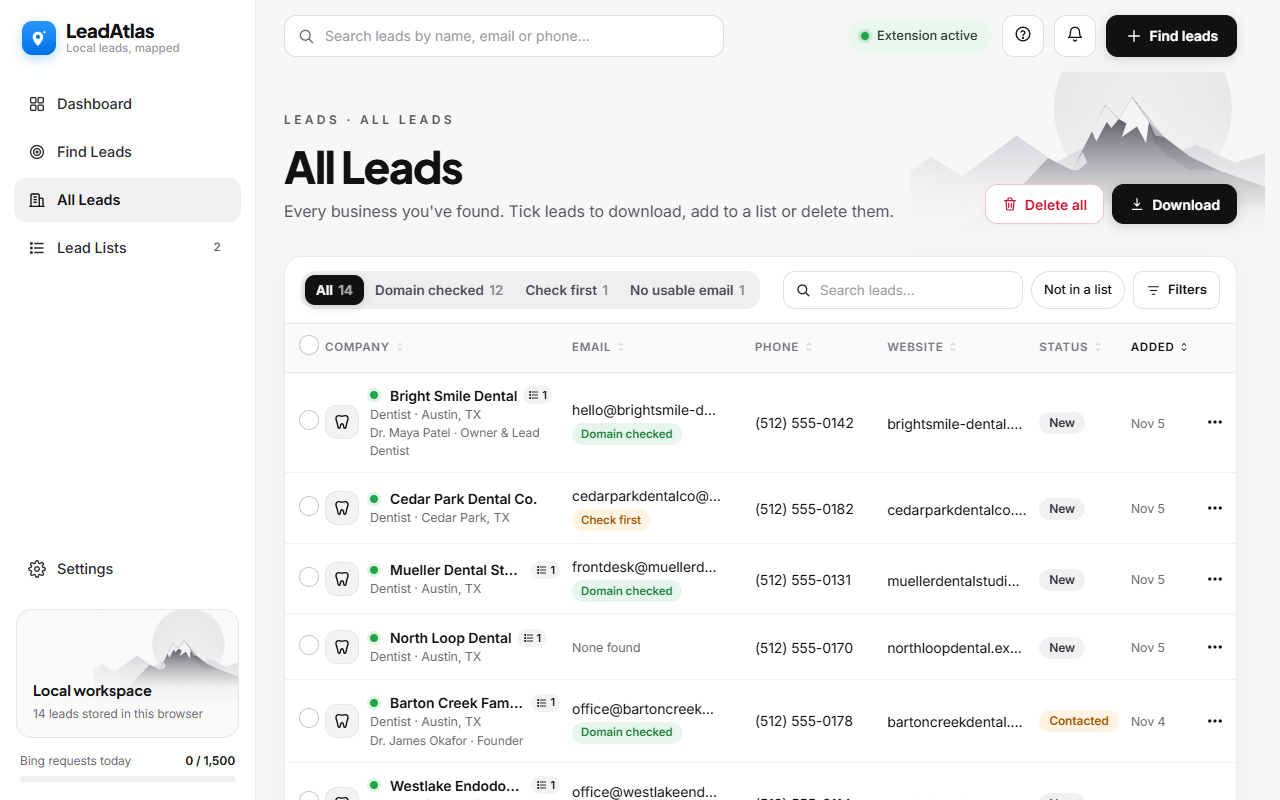
Group leads into lists for each campaign, then export to Excel, CSV or your outreach tool.
Private by design
LeadAtlas has no server and no account. Your leads, lists and settings are stored on your computer, and you can back them up or delete everything in one click. Read the privacy policy.
FAQ
Yes. There's no account, no subscription and no API key to add.
From each business's own website – the address they publish themselves. LeadAtlas checks that the domain receives mail and flags shared, personal or bounced addresses.
Anywhere Bing Maps has listings – the US, Canada, the UK, Europe, Australia and more. Open map data adds extra businesses in many cities.
You choose how many per search – from a few dozen to thousands across several cities. A daily request limit keeps searches gentle on the map service.
Yes, but follow the law where you are (CAN-SPAM, GDPR, PECR): say who you are, give an easy way to opt out, and honour opt-outs. The export screen reminds you.
Free on the Chrome Web Store. Works in Chrome, Edge and Brave.
Add to Chrome – it's free